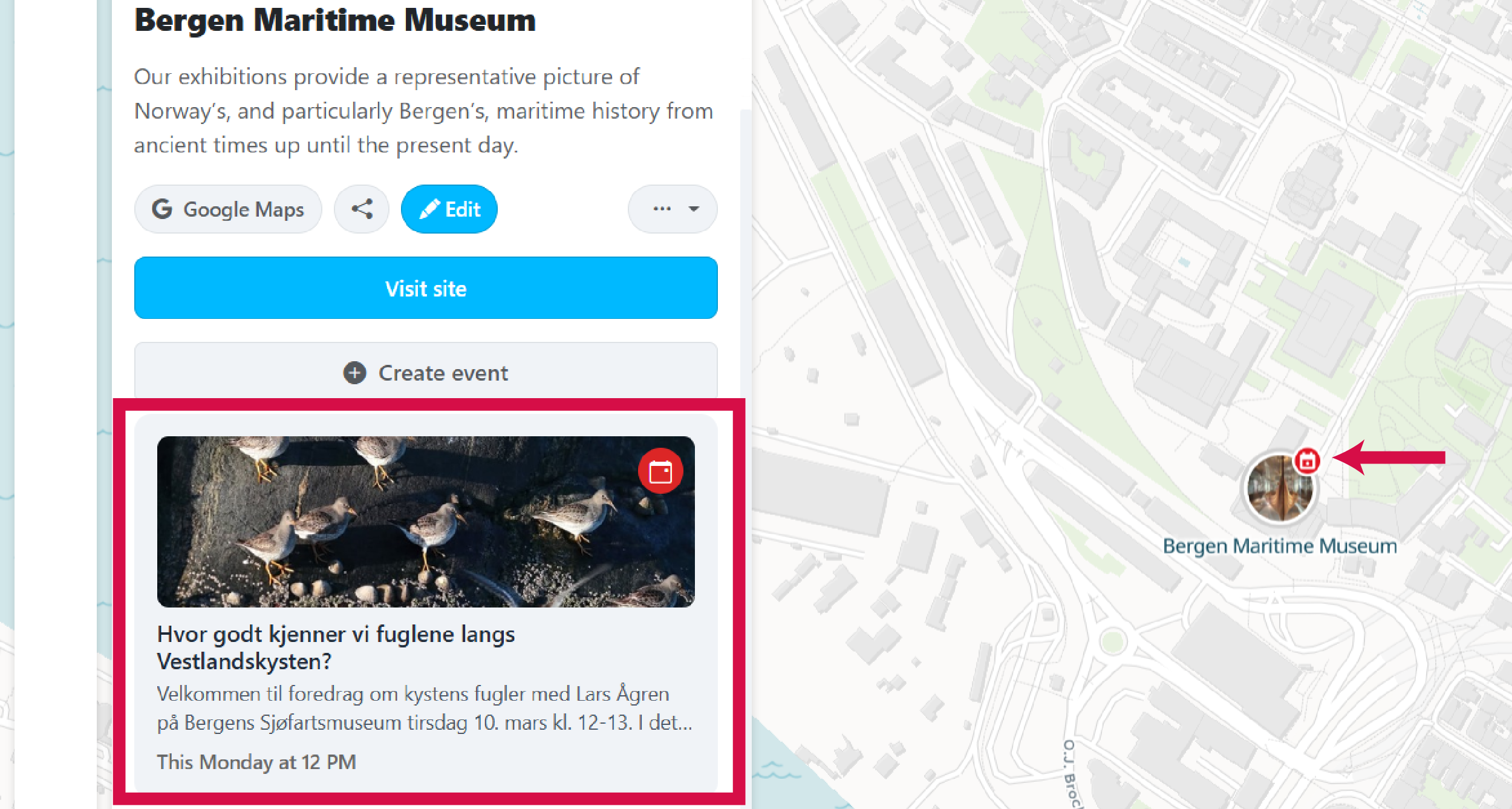
Events are time-limited activities that happen at places within a community. They appear on the map and in your community's event calendar, making it easy for visitors to discover what's on.
-
Create a free account and sign in
You need a Places account to add events. If you don't have one yet, create a free account. Already signed in? Proceed to step 2.
-
Make sure you belong to a community
Events are added to a community map. You can add events if you are the owner, a moderator, or an editor of a community. If you're not part of one yet, learn how to join a community.
-
Go to your community map
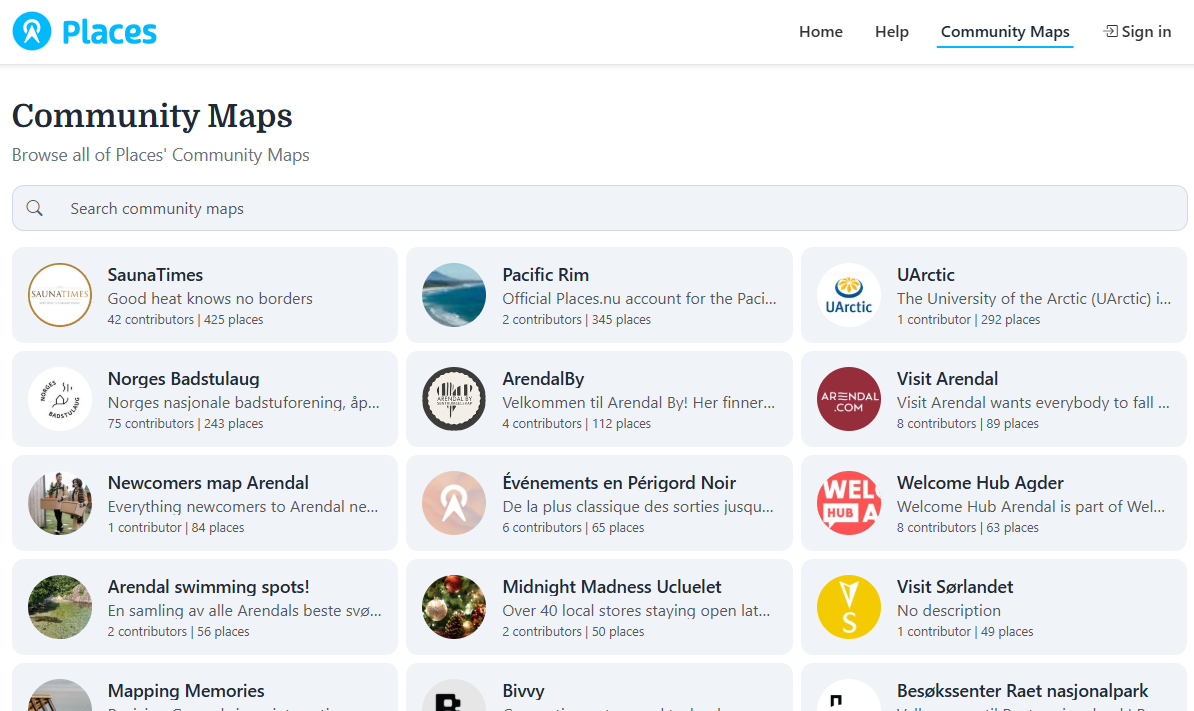
Browse communities and open the one you want to add an event to. Make sure you are signed in as the owner, moderator, or editor.
-
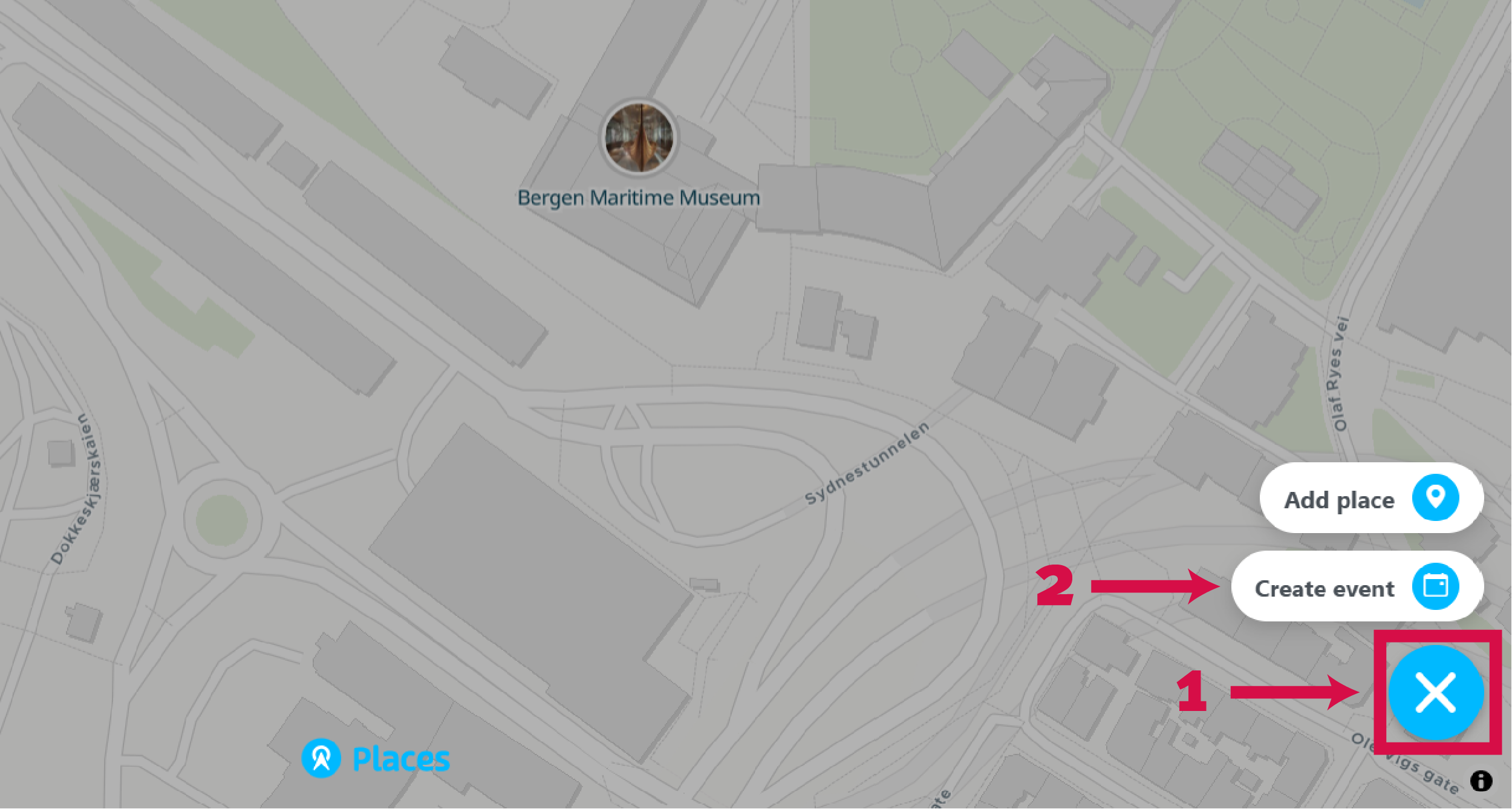
Click the + button and select Create Event
Located in the bottom right corner of the map. Only visible to owners, moderators, or editors.
-
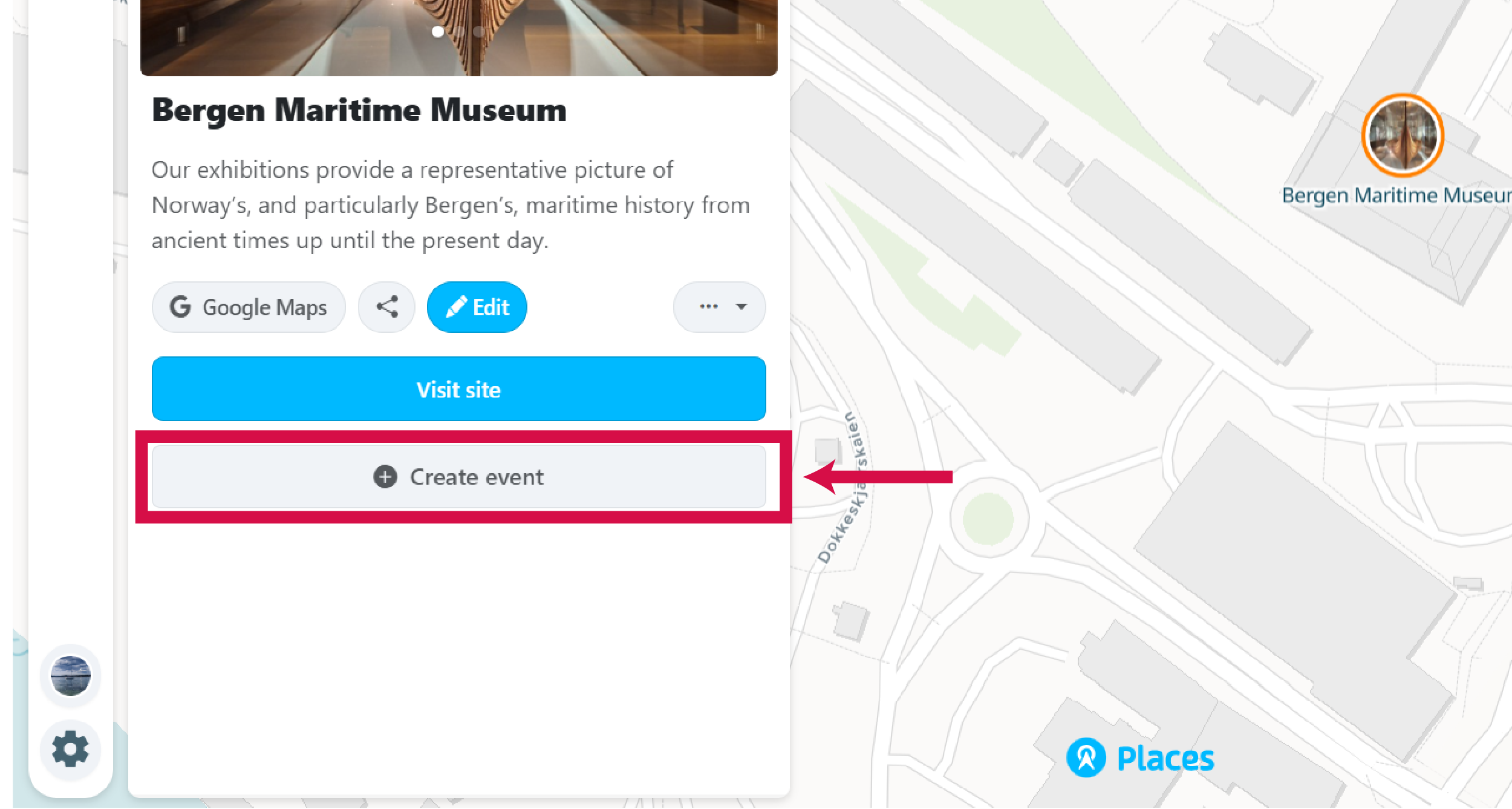
Alternatively, create an event from a place
If the venue is already on your community map, click on the place and then click the Create Event button in the place panel. This links the event directly to that place.
-
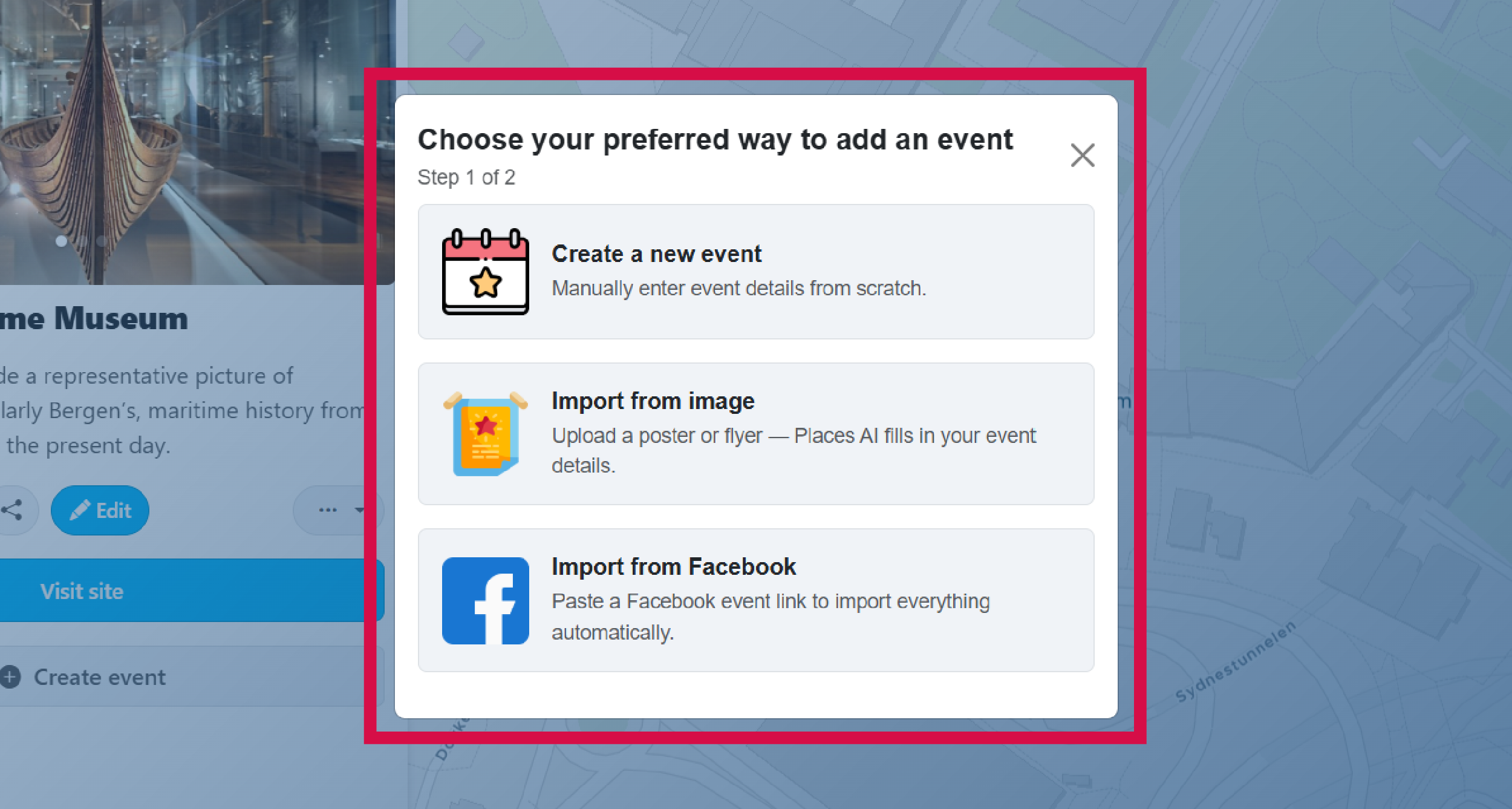
Choose how to add the event
There are four ways to create an event: fill in the details manually, import from Facebook, import from any event URL, or let AI extract information from an event image.
-
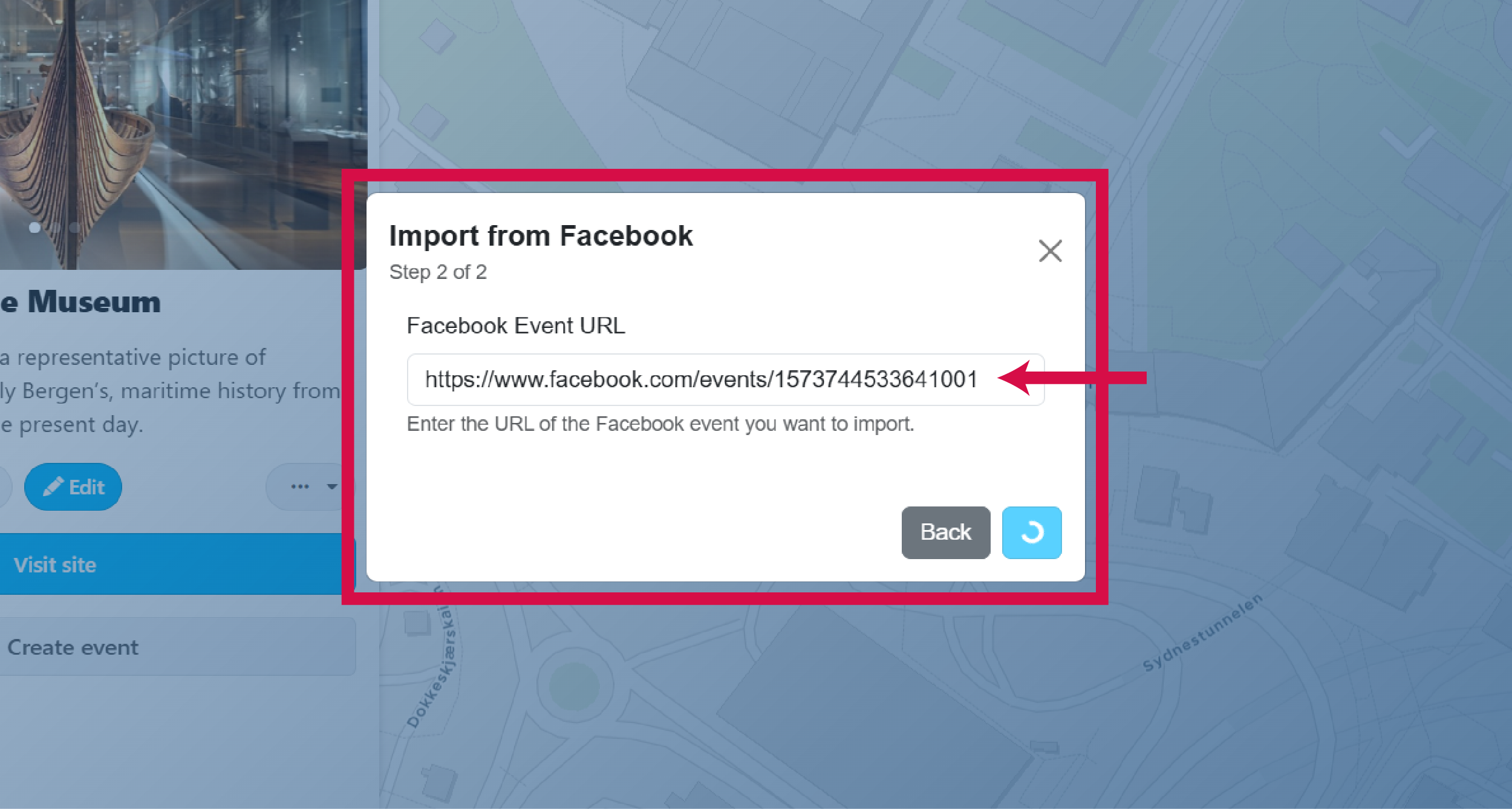
Import from Facebook (optional)
Paste the Facebook event URL. All information including images, date, time, description, title, and ticket links will be fetched automatically.
-
Import from a URL (optional)
Paste the URL of any event page. Places will attempt to extract the event details automatically, including the title, date, time, description, and images.
-
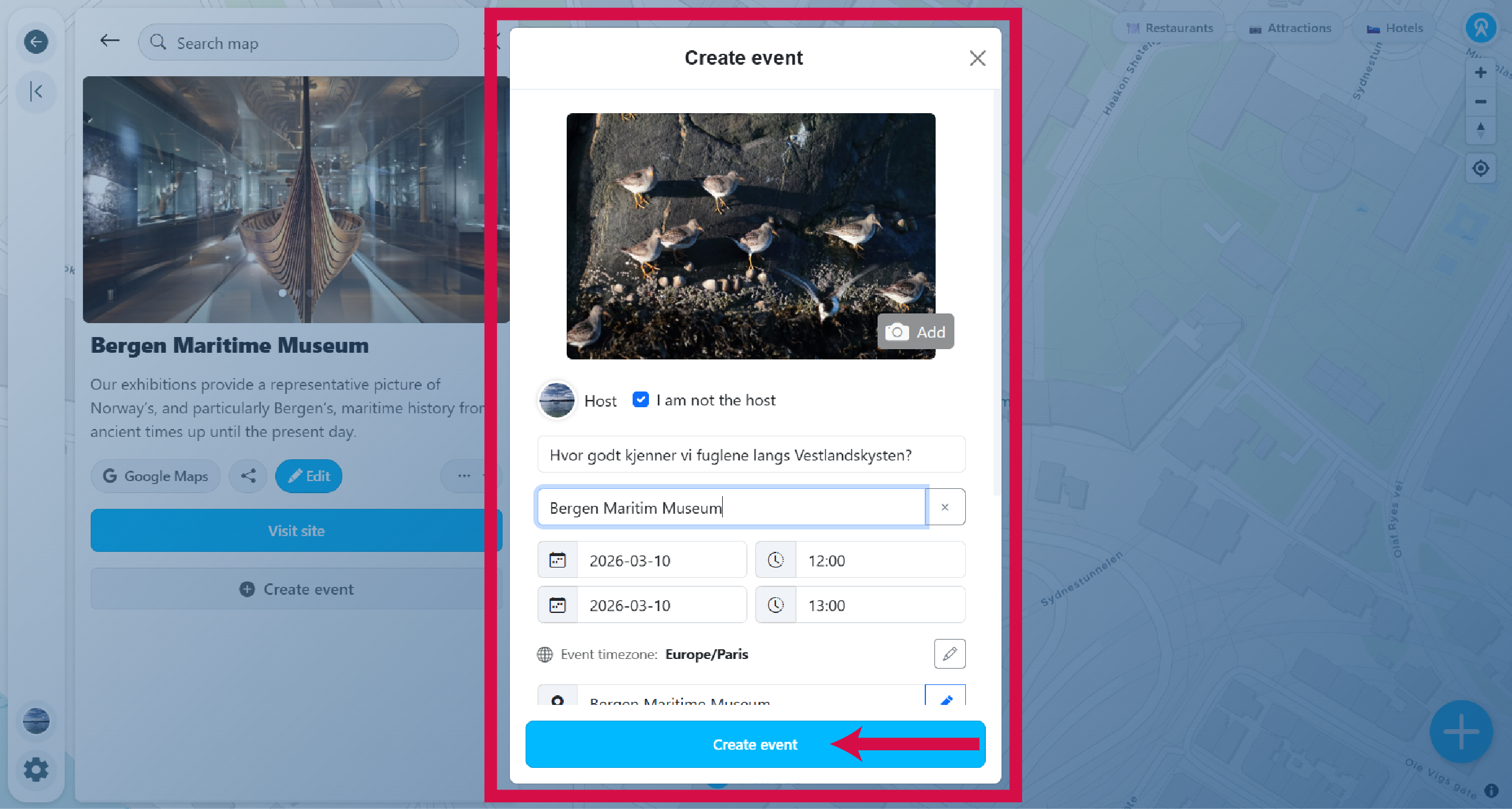
Fill in the event details
You can mark the event as recurring if it repeats on a schedule, and indicate whether it is free or requires registration. If you're not the organizer, uncheck yourself as host and enter the organizer's name. You can always edit the event information later.
-
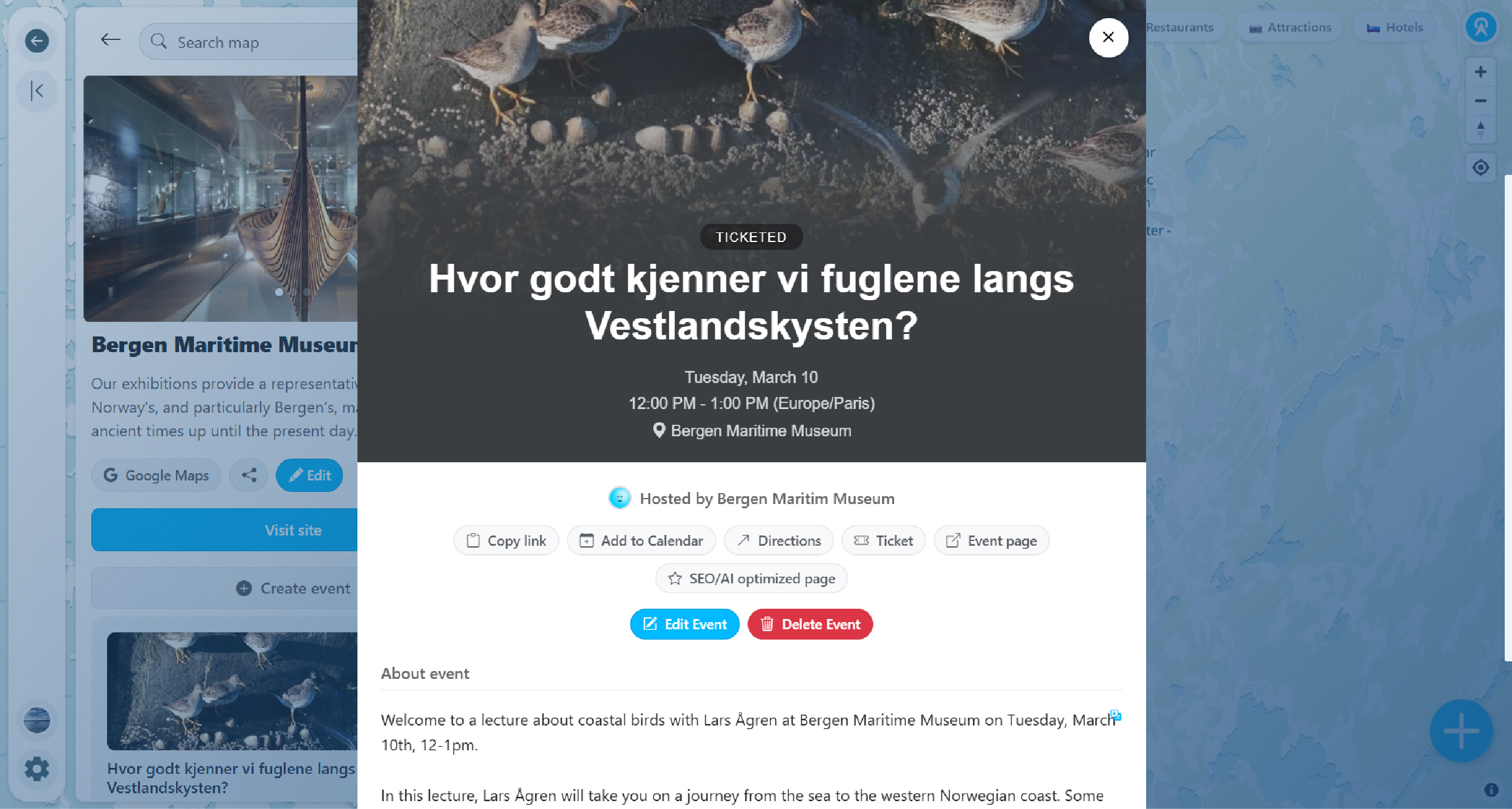
View your event page
Your event page shows all the details. Each event gets a unique URL you can share with others.
-
Events appear across your community
Your event will show as a card in the events list, under the place/venue information, and as a small icon at the event location on the map.