Anyone can create a free account on Places. Once you're signed up, you can ask to join an existing community as an editor, or create your own community map.
-
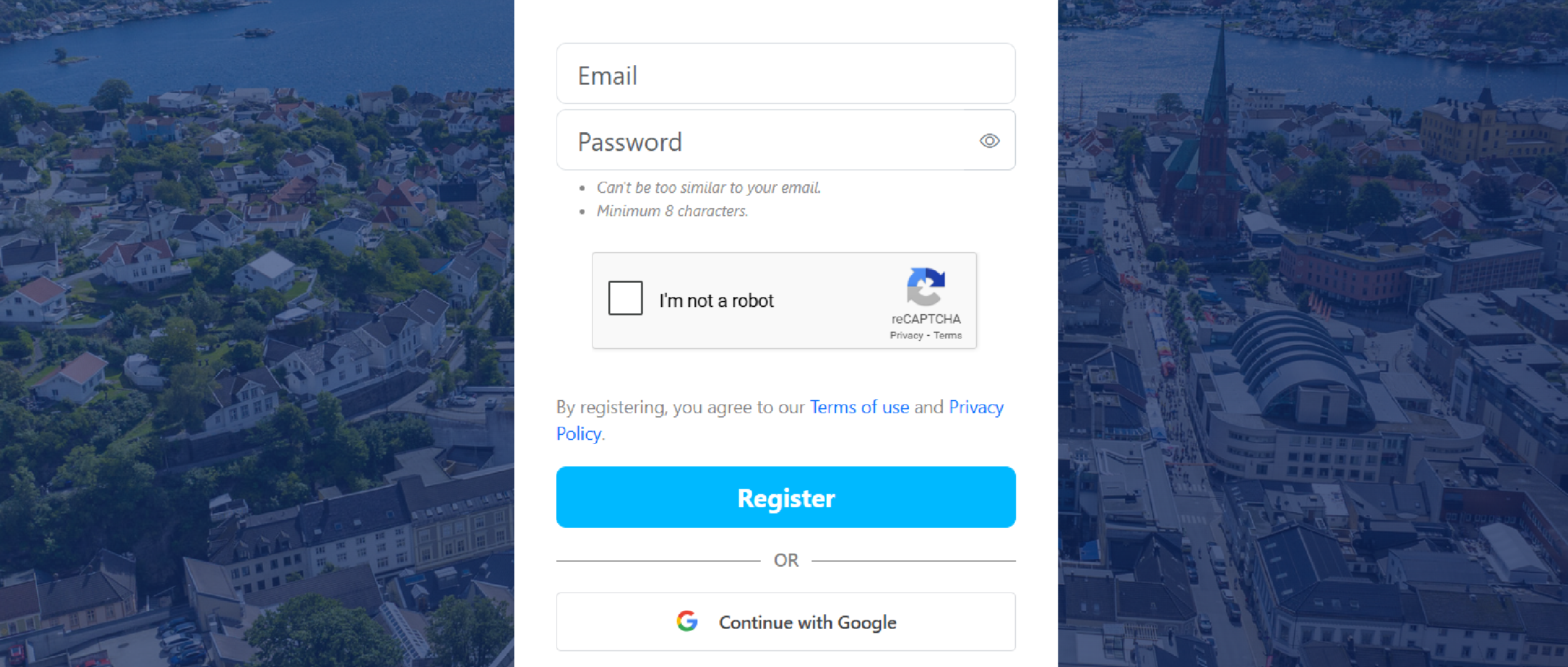
Go to places.nu/signup
-
Enter your email and password, then click Register
Or sign up faster with Continue with Google.
-
Verify your email with the 6-digit code
Enter the code on the verification screen. Can't find it? Check your spam folder. Google sign-in skips this step.
-
Choose Private person or Organization
Private person for personal use, or Organization for businesses and communities.
-
Add your name
Either personal or business. You can always change this later.
-
Add a profile picture or logo, or skip it