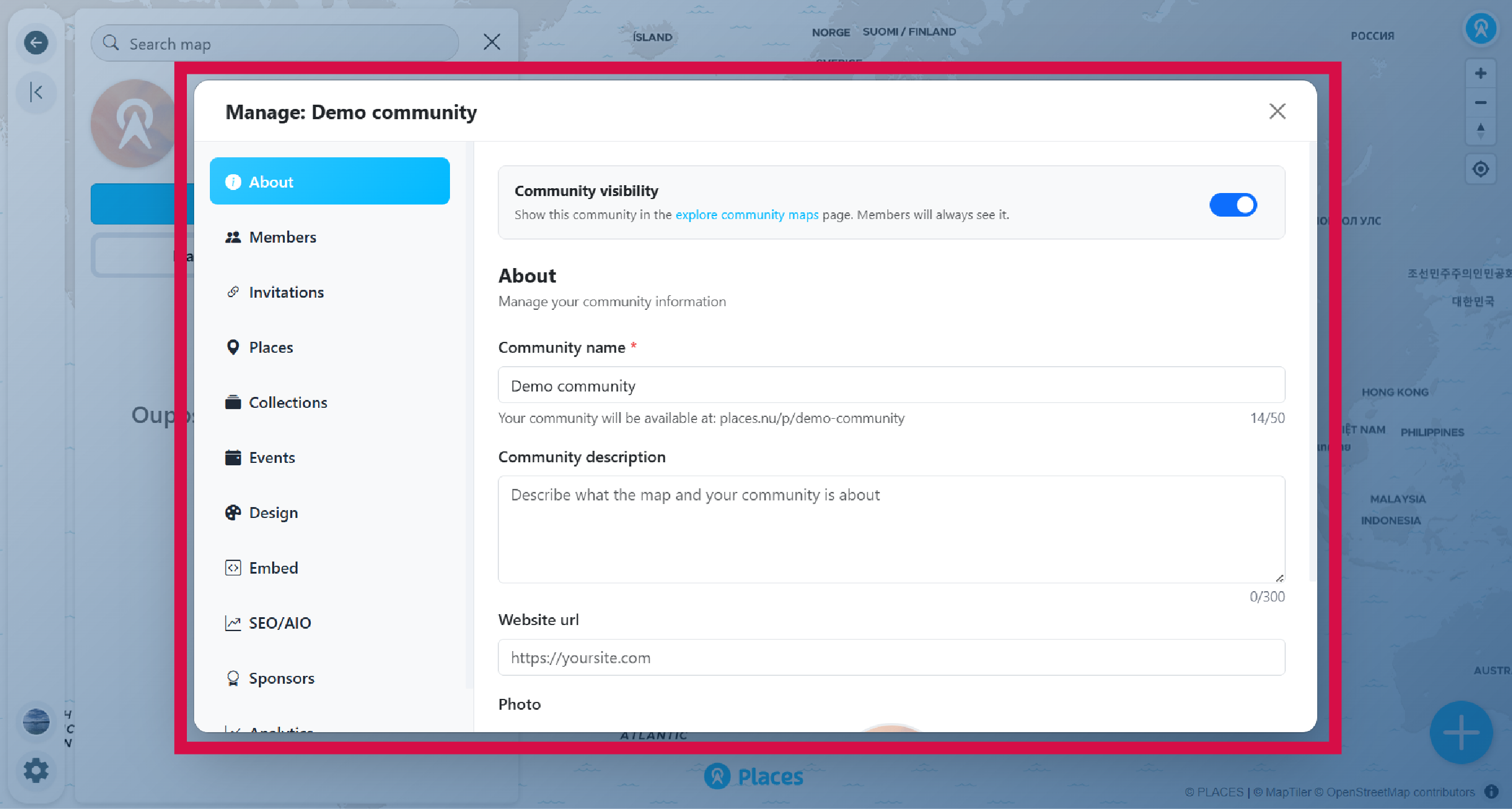
A community map brings together places around a shared theme, location, or interest. Perfect for tourism boards, local business associations, event organizers, and neighborhood groups.
-
Sign in to your account
If you don't have one, create one first.
-
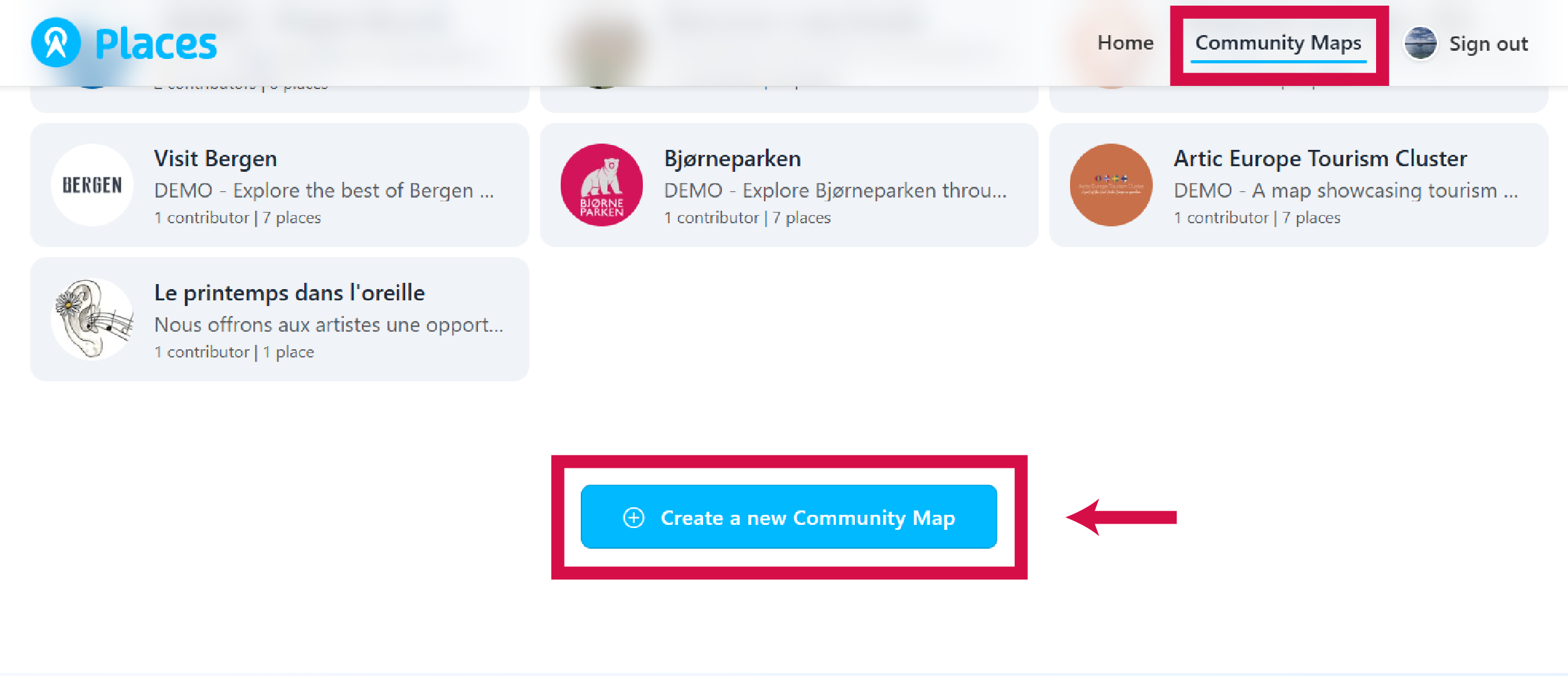
Go to places.nu/communities
Or click Community Maps in the navigation.
-
Click Create a new Community Map
-
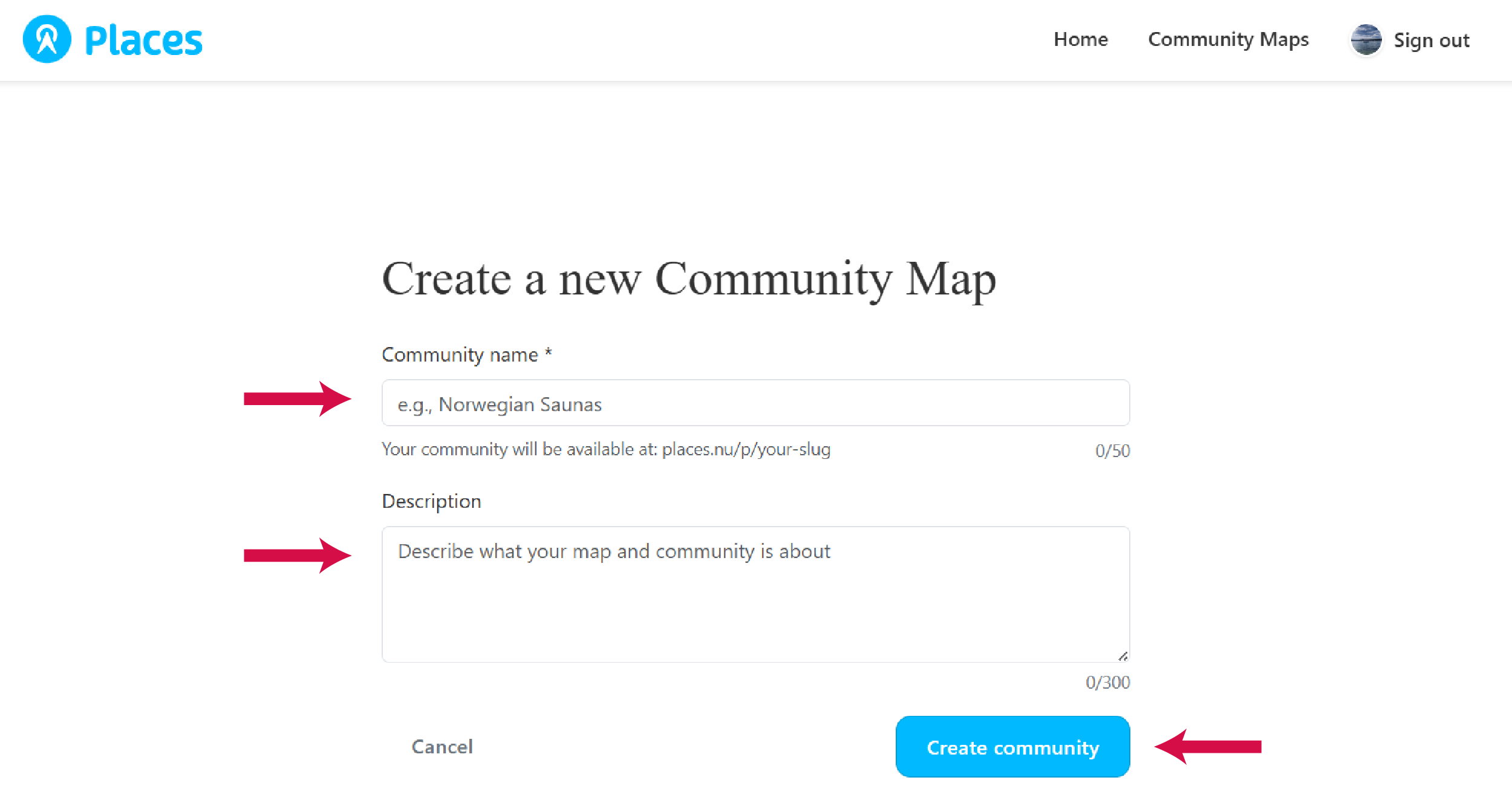
Enter your community name
Up to 50 characters. You can change this later.
-
Add a description, or skip this step
Up to 300 characters. You can add or edit this later.
-
Click Create community
The settings panel opens automatically so you can customize further.