Update your community's name, description, website URL, logo, and visibility settings. These settings control how your community appears to visitors and in search results.
-
Go to your community
Navigate to the community you want to edit. You must be the owner or moderator of the community to change its settings.
-
Open the Manage panel
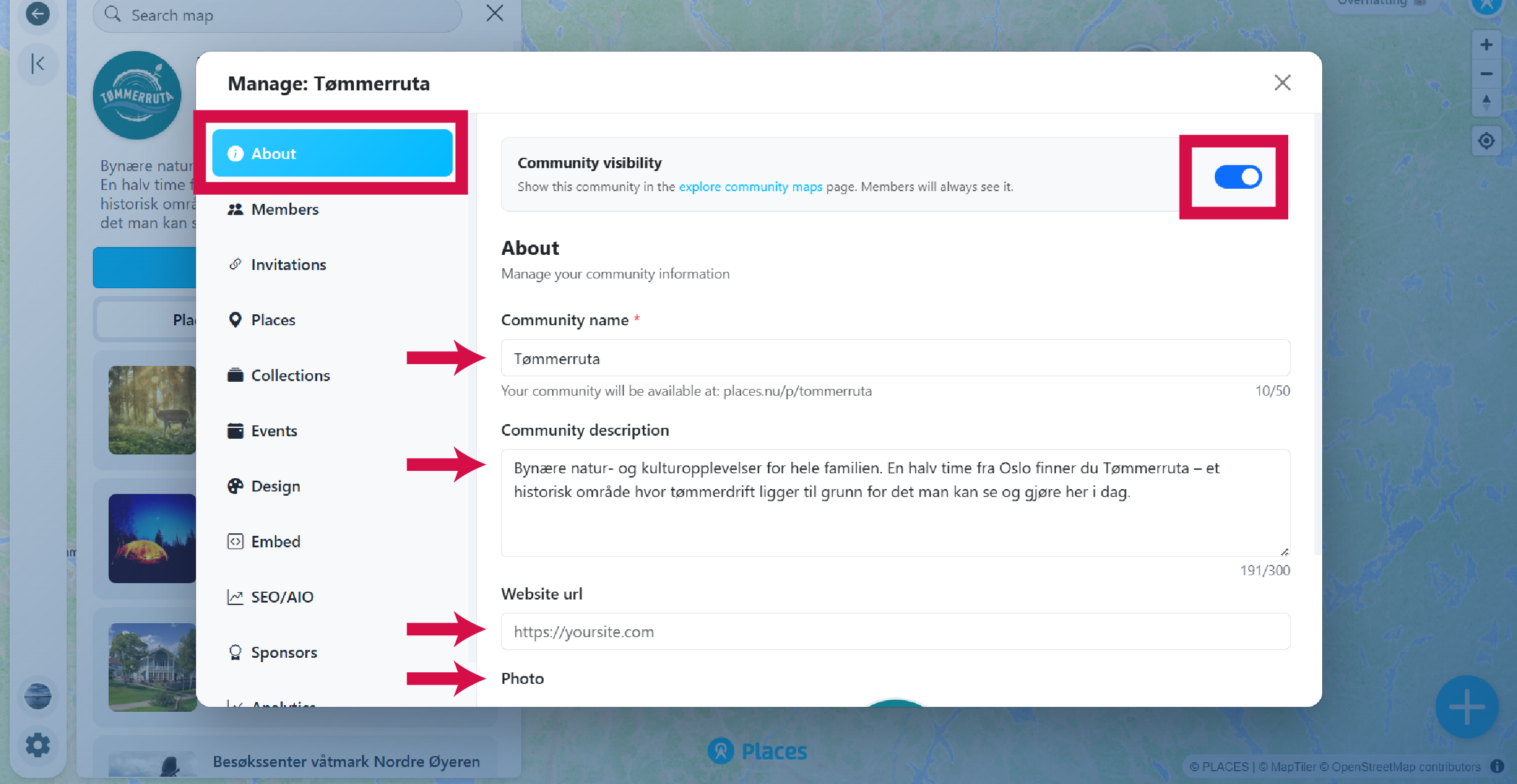
The Manage button only appears if you are signed in and are the owner or moderator of the community. Navigate to the section called About.

-
Update your settings
Here you can update the following:
- Community visibility: Toggle whether your community is visible or not in the community list at places.nu/communities
- Community name: Note that changing the community name also changes the URL of your community. Make sure you update the URL if you have it linked or embedded on your website or other places
- Community description: Limited to 300 characters
- Community website link
- Community main logo or picture
-
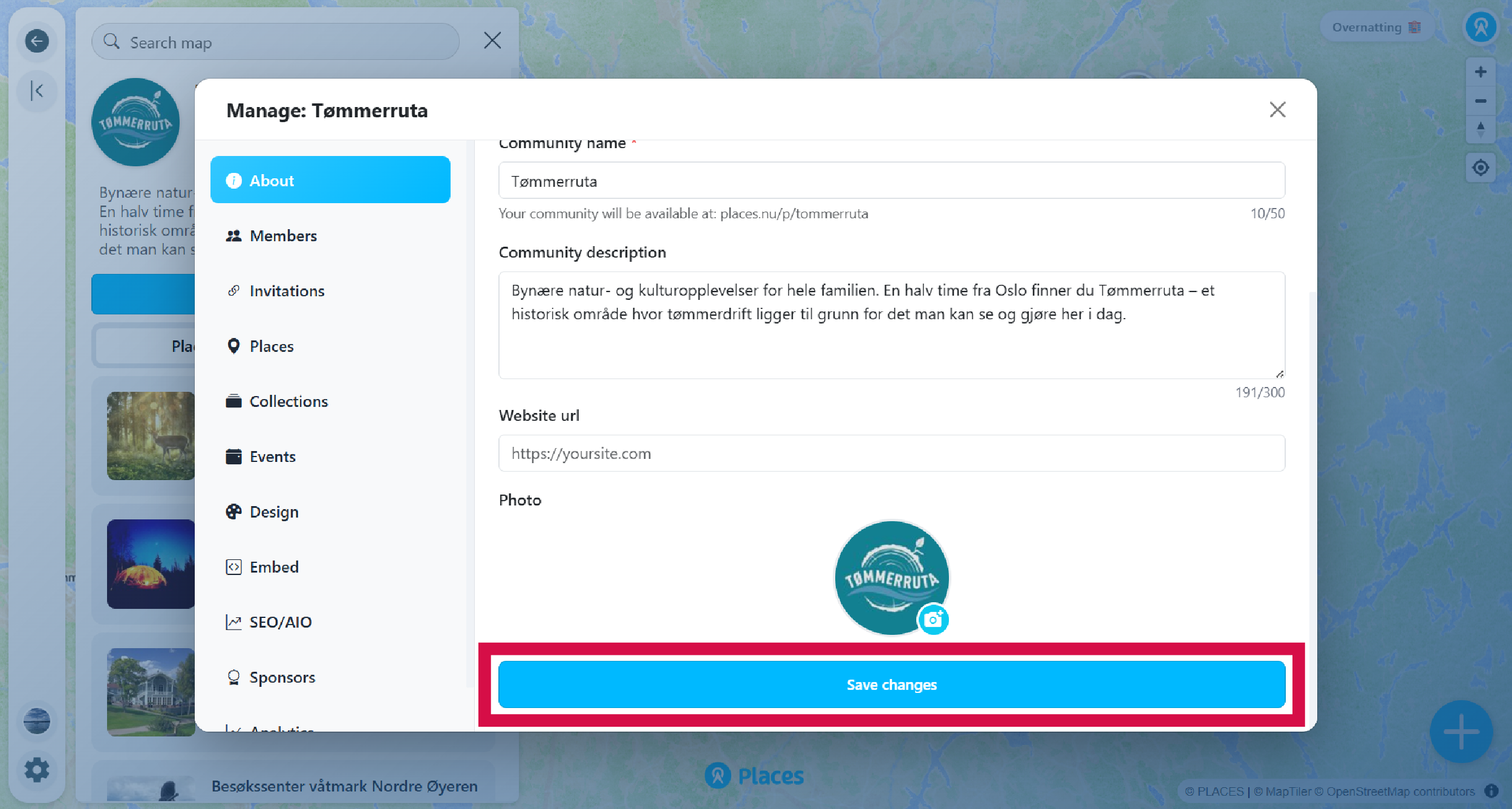
Save your changes
Make sure to save your changes.