-
Go to places.nu/accounts/login
Or click Sign in.
-
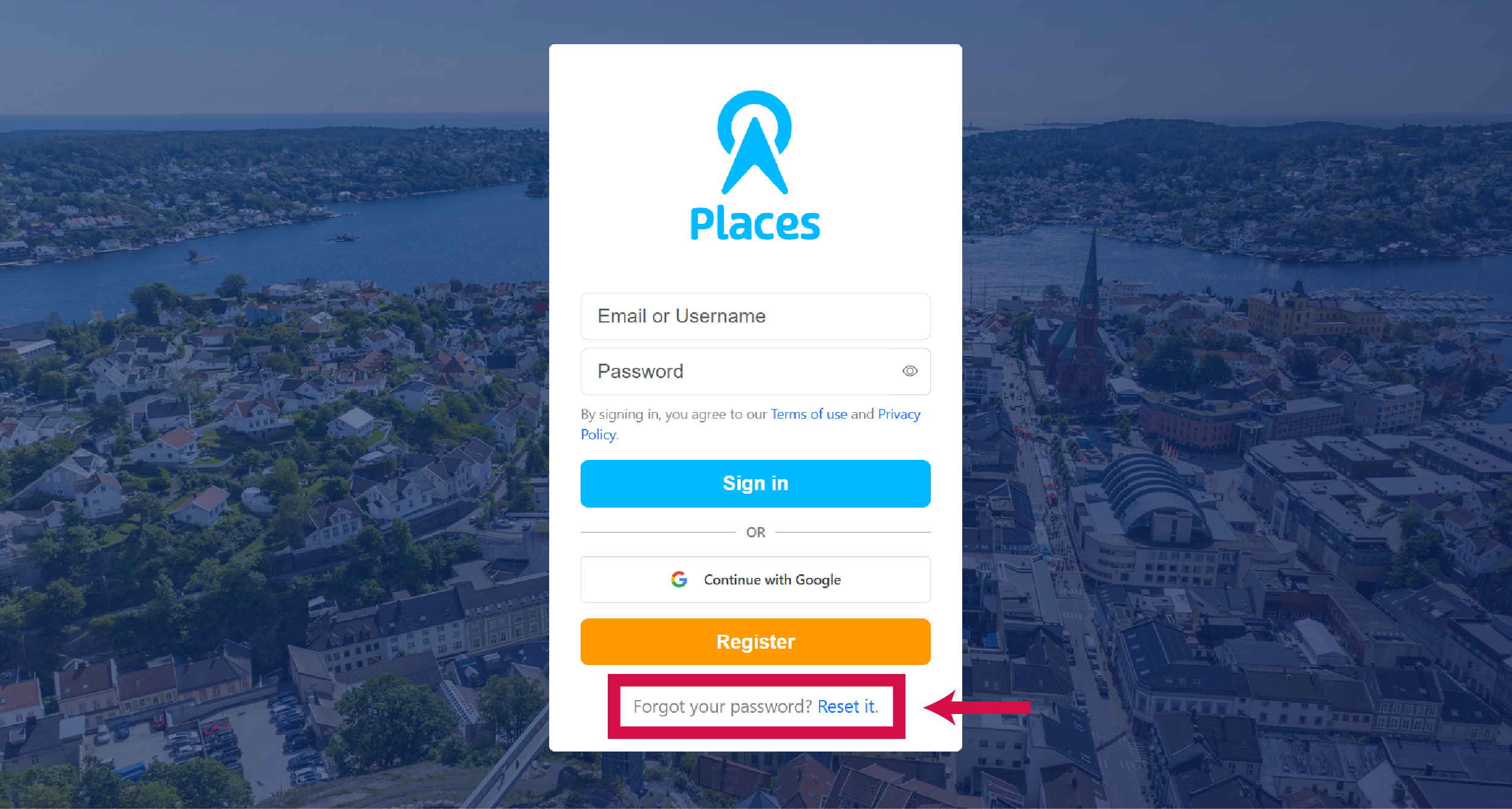
Click "Forgot your password? Reset it"
You'll find this link below the sign-in form.
-
Enter your email and click Reset password
-
Check your inbox and click the reset link
Can't find it? Check spam. Still nothing? Contact us for help.
-
Enter your new password and click Confirm
At least 8 characters, can't be similar to your username or email, and can't be all numbers.
-
Sign in with your new password