Anyone can create a free account on Places. Once you're signed up, you can ask to join an existing community as an editor, or create your own community map.
-
Go to places.nu/signup
Or click Sign in → Register.
-
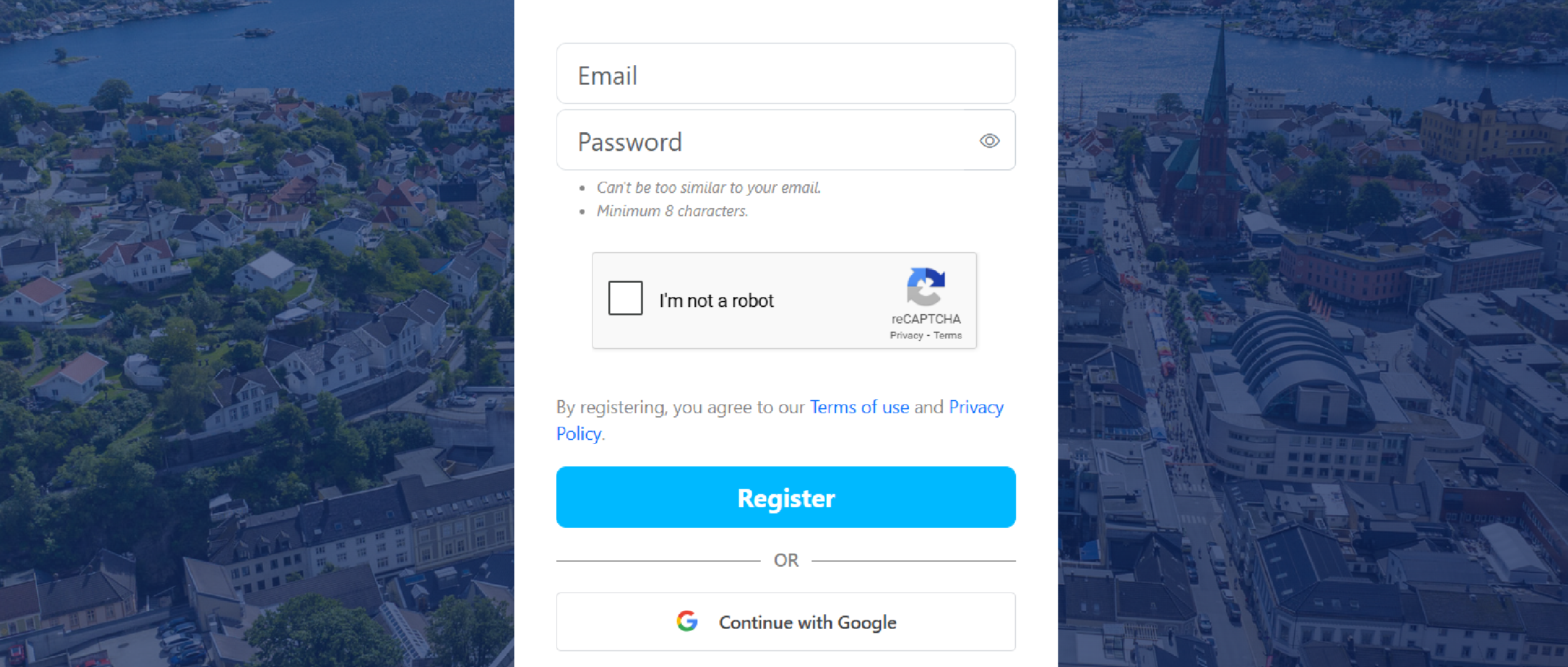
Fill in the form and click Register
Or sign up faster with Continue with Google.
-
Check your inbox and click the verification link
Can't find it? Check spam. Google sign-in skips this step.
-
Choose how you'll use Places
Private person for personal use, or Organization for businesses and communities.
-
Choose your preferred language
English, Norwegian, Dutch, French, German, Ukrainian, Polish, Danish, or Greenlandic.
-
Add your name
Either personal or business. You can always change this later.
-
Upload a profile picture (optional)